Creating Your Tinkercad Account
Join our classroom
- Open the Tinkercad classroom link provided for your section.
- Log in using your School Email (sign in through Google)
- Confirm that you can open a new 3D Design.
Note
Your teacher can review work created inside the class. Your Tinkercad designs and Notion process documentation both provide evidence of learning.
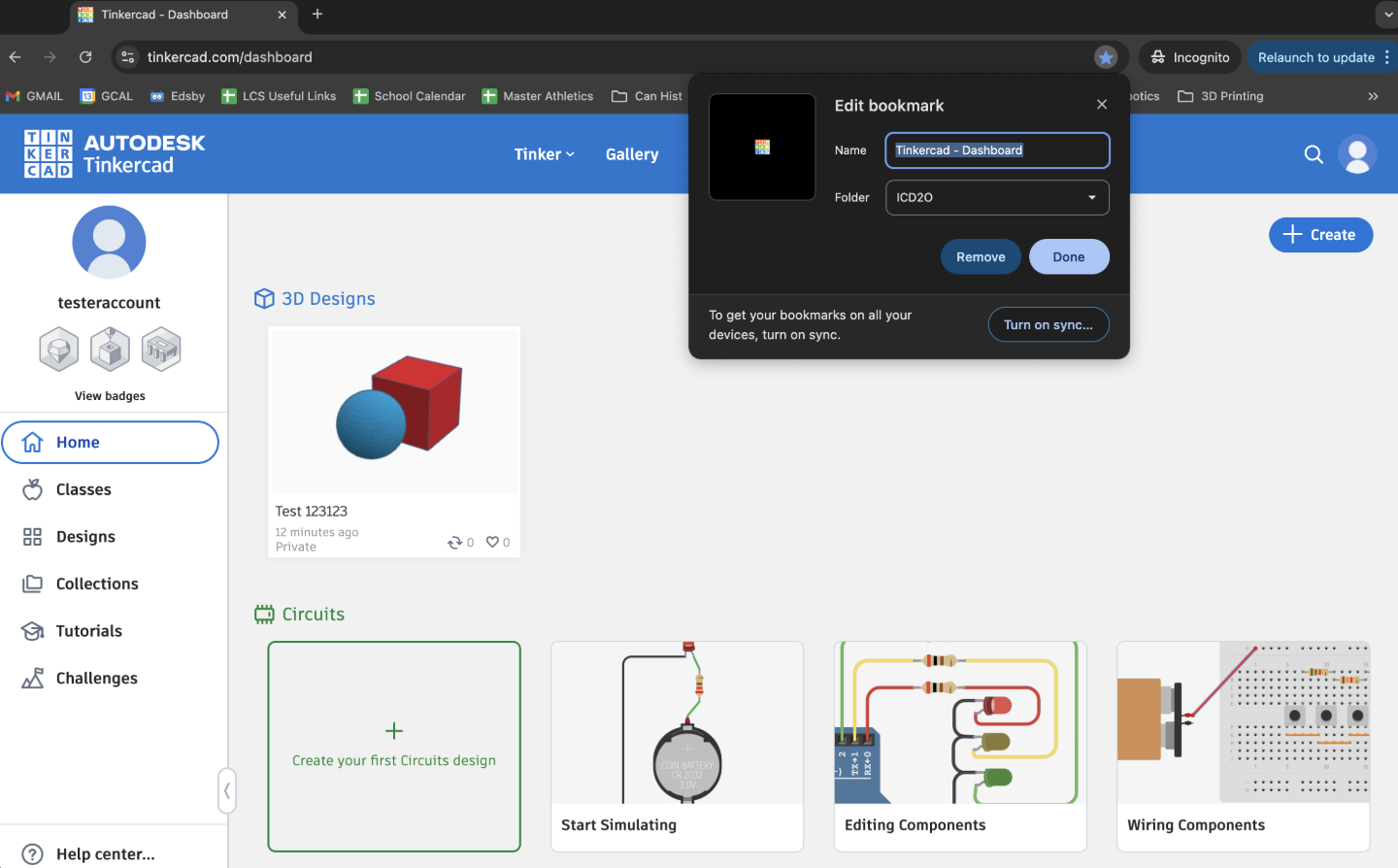
Bookmark Tinkercad
Bookmark the Tinkercad dashboard in your browser so you can return quickly.
Checkpoint
Before moving on, show a peer or the teacher that:
- You joined the correct class.
- You can create and rename a 3D Design.
- You bookmarked the site.
- You know where Tinkercad shows whether your work is saved.
Curriculum connection
A1.4: Communicate design ideas using appropriate industry terminology and formats.